
User research
We examine who uses the product, what they need and where tasks become difficult. Methods follow the available evidence and agreed research scope. Findings inform design priorities and the scenarios the interface needs to support.
We design user experiences and interfaces for websites and mobile apps. Research, screen structure and prototypes help define clear, usable ways to complete the product’s main tasks.
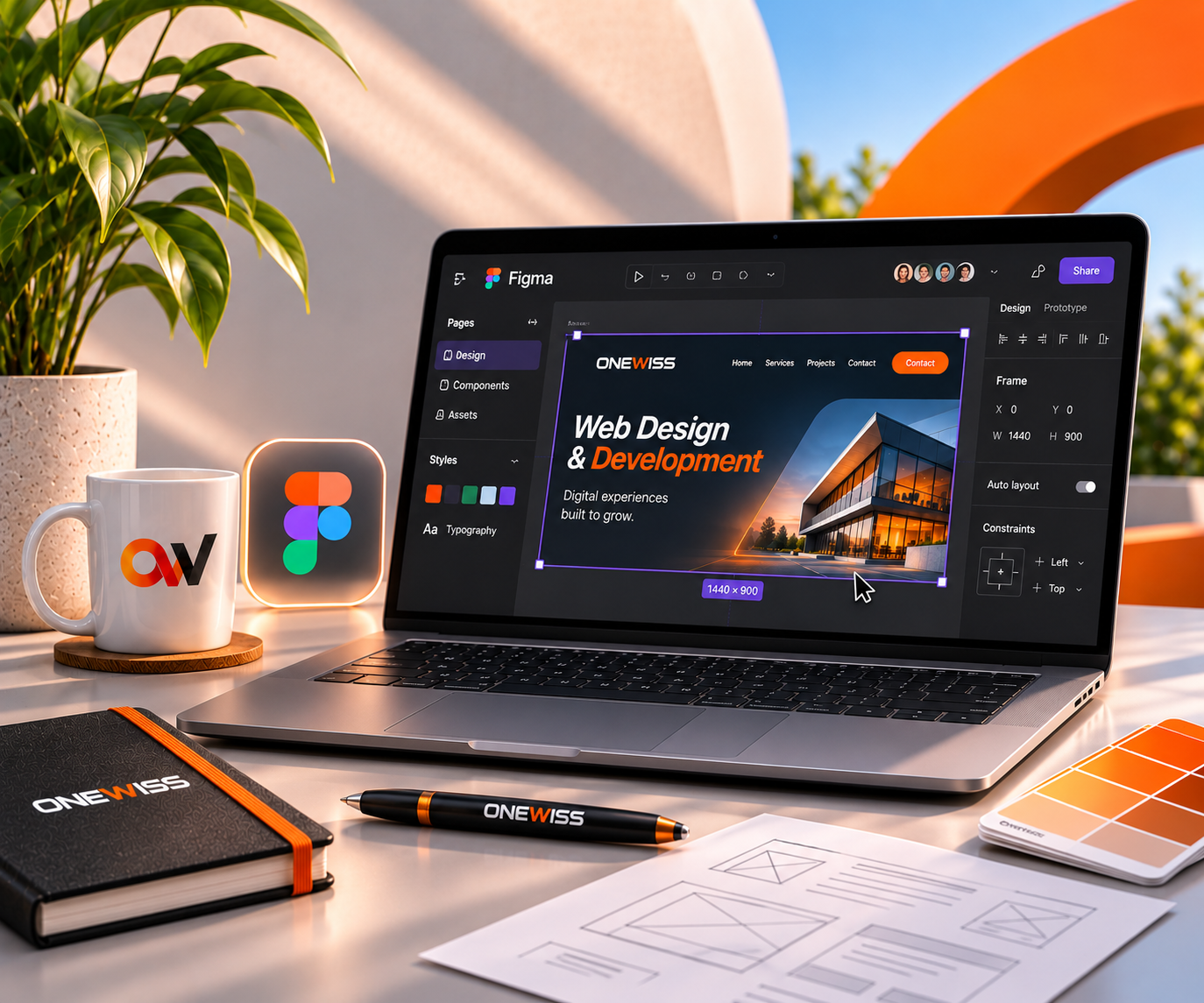
Digital product design defines how people complete tasks on a website or app. UX covers structure and the experience of using it; UI shapes how the interface is presented.
OneWiss reviews user needs, maps flows and prepares screens and prototypes. This allows key decisions to be discussed before development. Designs account for errors, empty states and differences in the data being presented.
We design for websites and mobile apps. The scope follows the product, identifying pages, screens, components and the information developers need.
We examine needs, plan user journeys and design screens and prototypes. The design explains how the product works and what users encounter at each stage.
We examine who uses the product, what they need and where tasks become difficult. Methods follow the available evidence and agreed research scope. Findings inform design priorities and the scenarios the interface needs to support.
We organise information, navigation and sequences of actions. Initial wireframes show the screens users need and how those screens connect to support a particular task.
We design website and app screens around the brand and user needs. Screen sizes, visual hierarchy and interface states are considered so actions remain understandable across the agreed layouts.
We connect screens in an interactive prototype to demonstrate key journeys. This lets you review navigation and the outcome of actions before development, with the level of detail matched to the project scope.
We organise recurring elements, styles and usage rules into a shared system. Components support consistency between screens and provide a common foundation for designing subsequent features.
We review how clearly key scenarios work and prepare guidance on screen behaviour for developers. Handoff includes the agreed components and states. Testing with actual users follows separately defined methods and scope.
Website and app UX/UI: choose the design scope your project needs. You receive the Figma working file and agreed prototype; software development is a separate service.
Starting one-off fees include VAT and cover design work. Pages, screens, states and user flows are agreed in the brief. A Figma prototype demonstrates the design; coding, CMS, backend work and publishing are quoted separately. A revision round means one consolidated set of feedback within the agreed direction.
Website structure, user journeys and a consistent interface.
Starting one-off fees include VAT and cover design work. Pages, screens, states and user flows are agreed in the brief. A Figma prototype demonstrates the design; coding, CMS, backend work and publishing are quoted separately. A revision round means one consolidated set of feedback within the agreed direction.
Core MVP flows and clear, usable interface screens.
Starting one-off fees include VAT and cover design work. Pages, screens, states and user flows are agreed in the brief. A Figma prototype demonstrates the design; coding, CMS, backend work and publishing are quoted separately. A revision round means one consolidated set of feedback within the agreed direction.
A complex product, SaaS, dashboard or a specialist design brief.
Fees are one-off and include VAT. Final pricing depends on the complexity of pages, screens, roles and interactions; scope and timing are agreed in writing before work begins. Development, branding, copywriting, paid assets and separate user research or testing are quoted separately. Changes to the agreed brief and additional language versions are agreed separately.
UX/UI design pricing guideWe agree on research, scenarios, screen scope and approvals. Key actions and states are reviewed before handoff.
We gather product goals, user needs and existing evidence to identify the tasks the design needs to support.
We plan information structure and user flows. Wireframes help review screen requirements and navigation before visual detail is developed.
We develop the visual direction, components and agreed screens, connecting interface states and responsive layouts into a coherent product.
We connect core journeys in a prototype and review agreed scenarios. Feedback informs refinements, with user testing carried out within its defined scope.
We organise files, components, styles and behaviour notes for handoff. These materials guide implementation; development itself is scoped separately.
Research findings inform user flows and wireframes, followed by visual interfaces and interactive prototypes. Each stage addresses a different question, from information structure to how an action behaves.
Where Figma is used, agreed screens, styles and components are organised in the design file. Prototypes support review; behaviour notes support development handoff. File format, access and documentation are defined at the start.
Explore website development ↗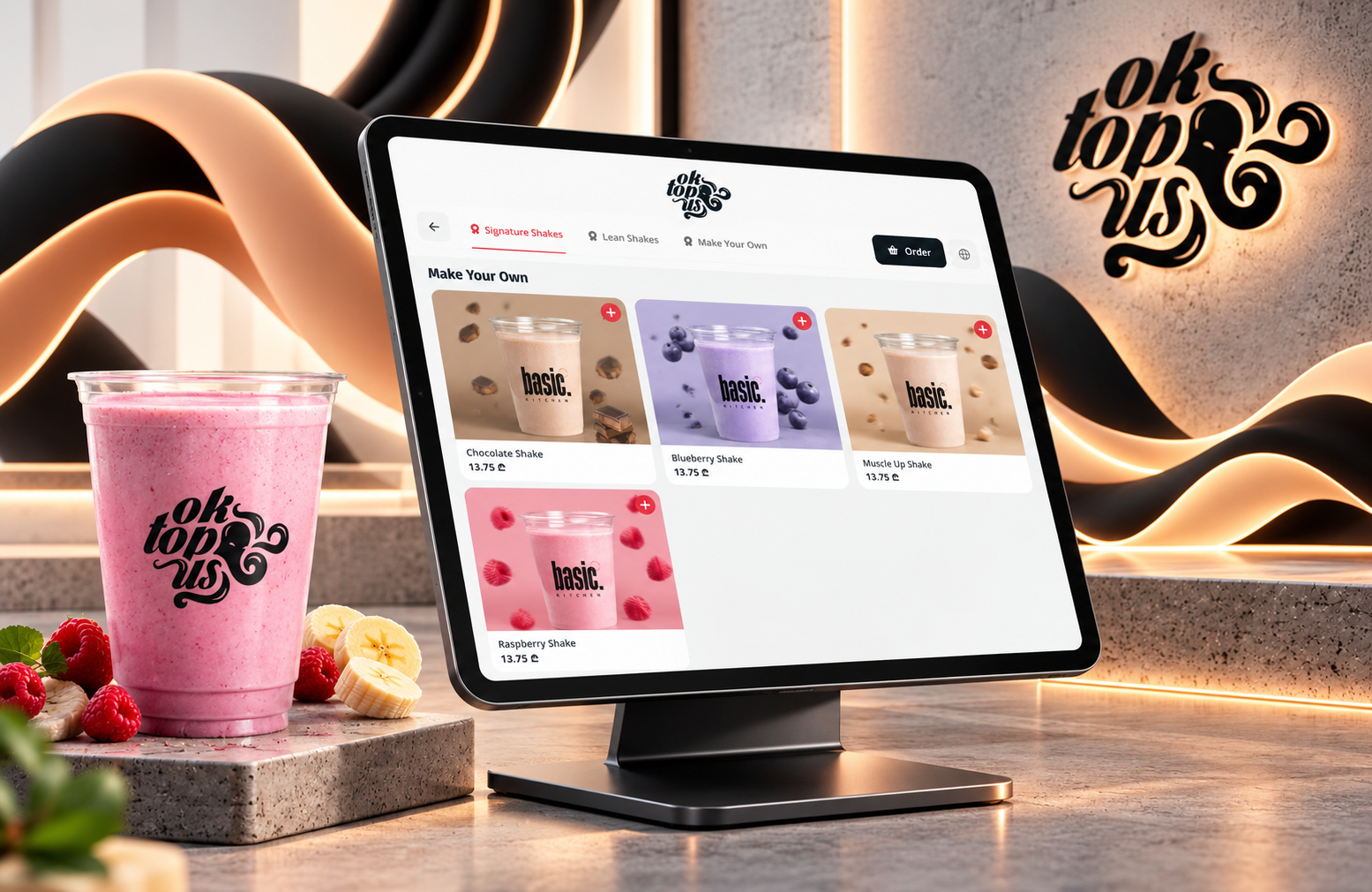 ↗
Digital Bar Management & Ordering System
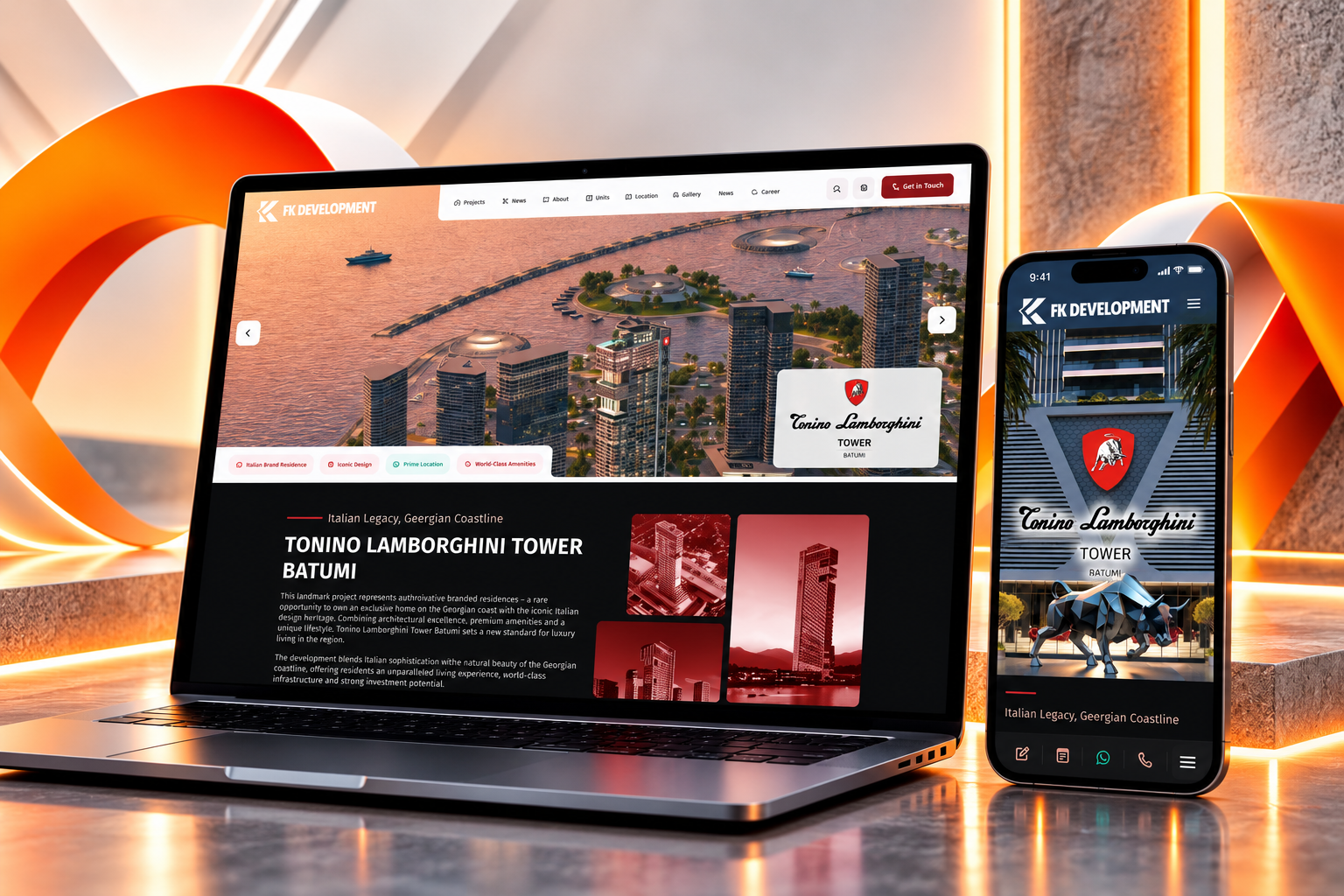 ↗
A premium website for FK Development
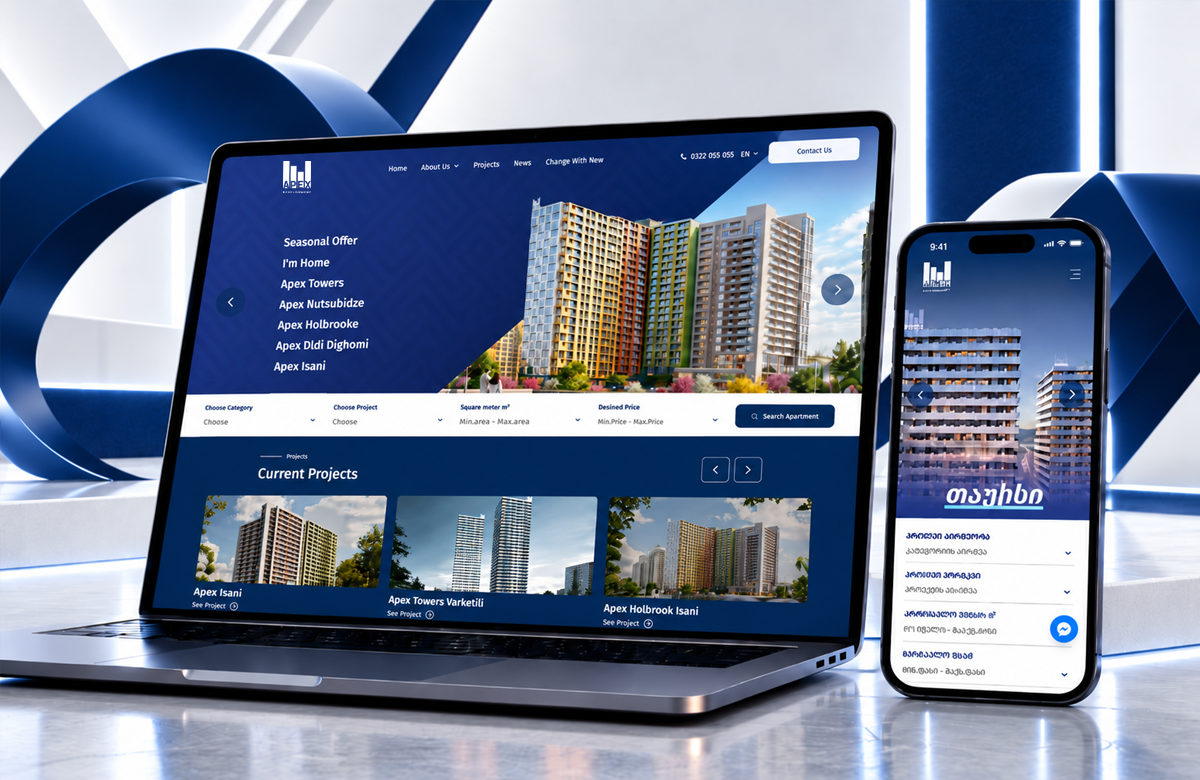 ↗
An interactive website for residential complexes
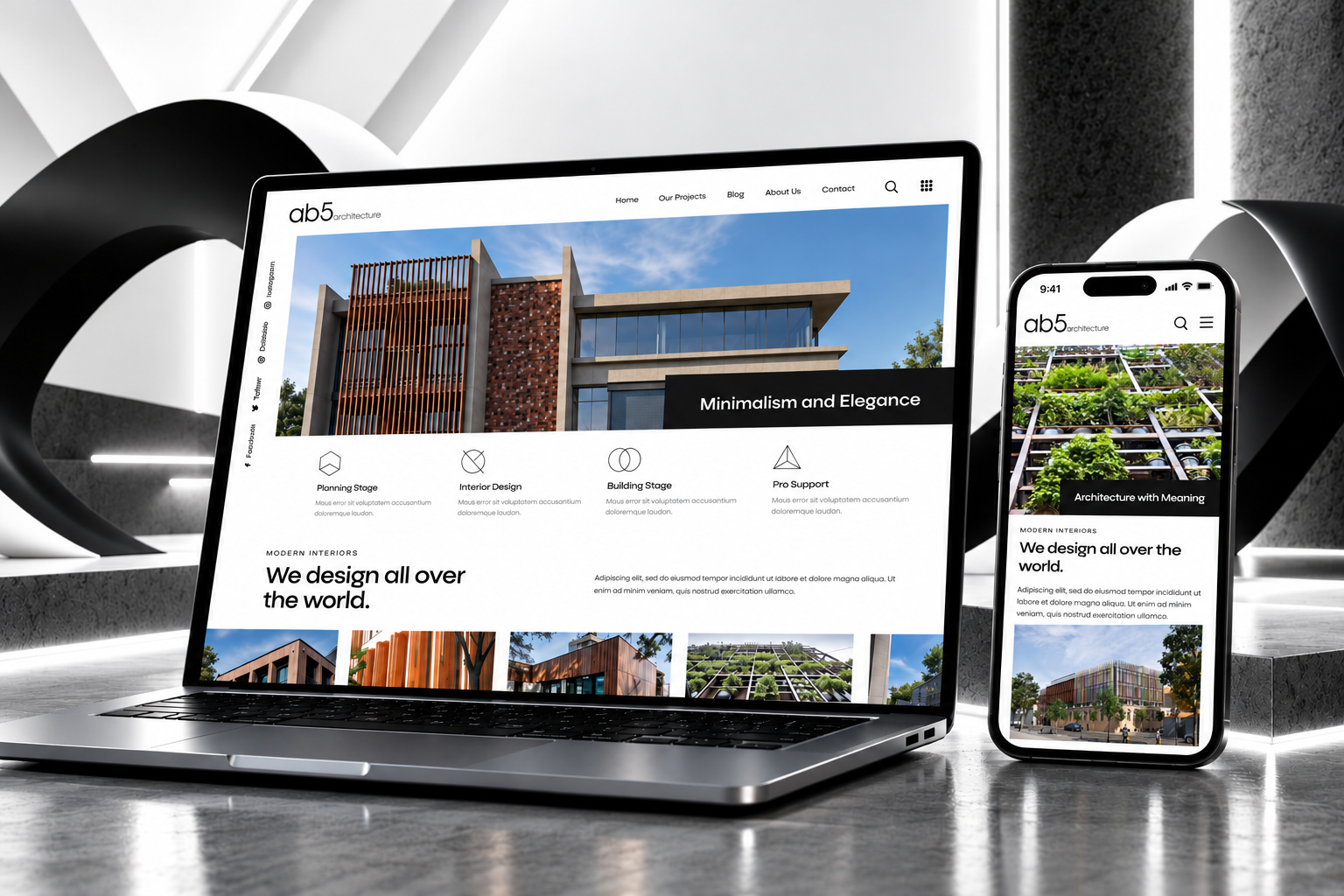 ↗
A website for an international architecture studio
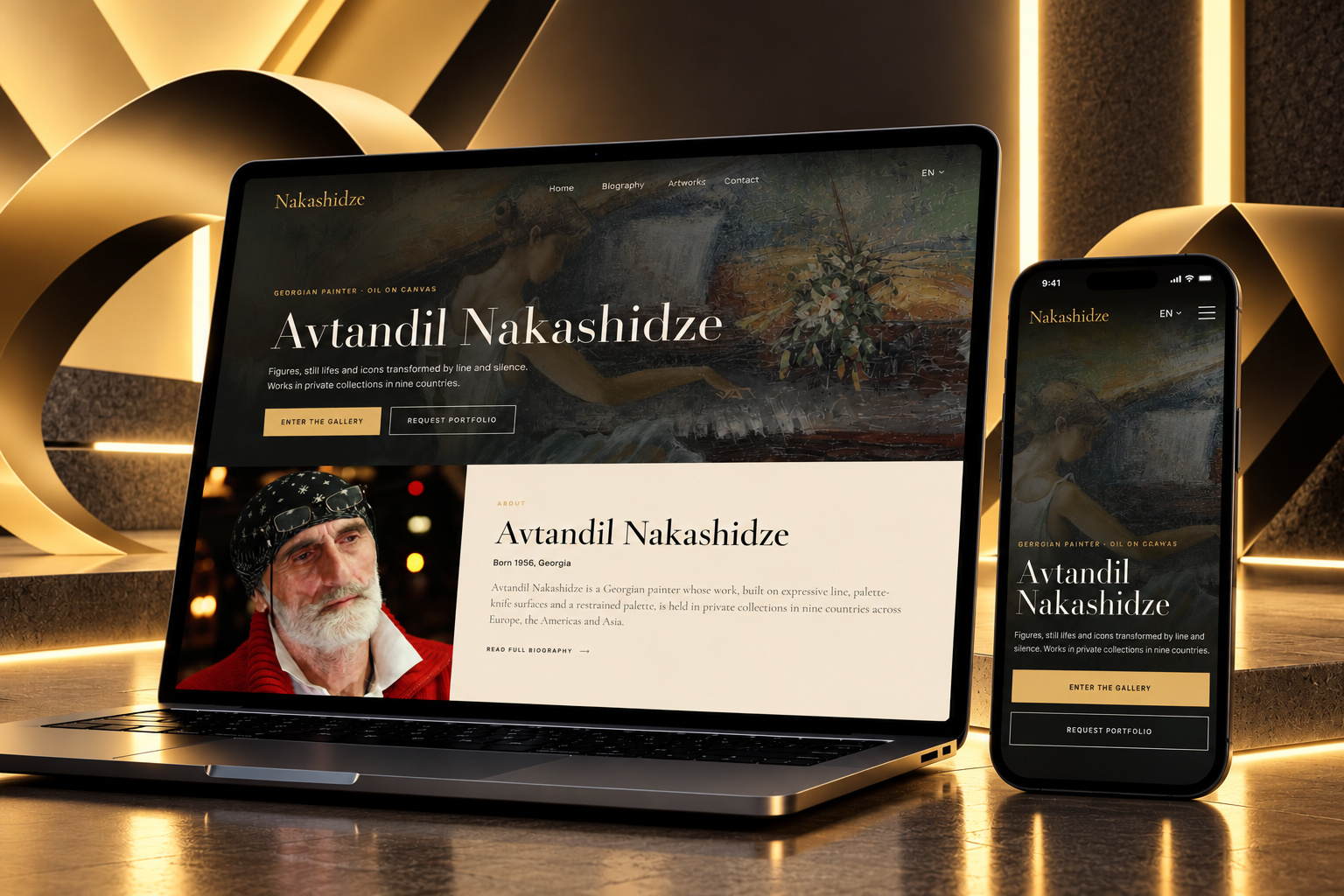 ↗
A multilingual digital gallery for an artist
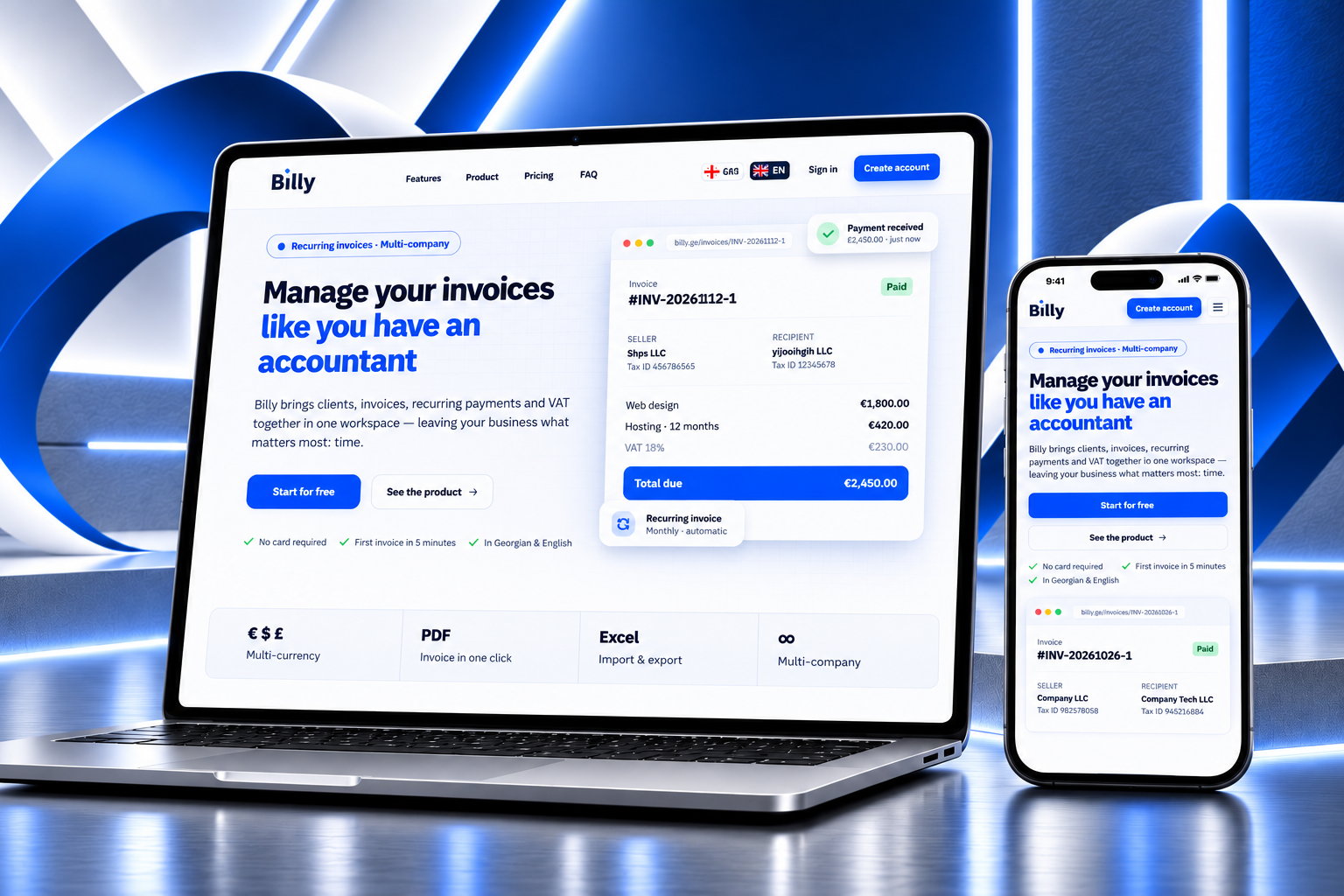 ↗
A digital invoicing platform for businesses






Flows and screen reviews help resolve questions about how a product should work. Designs and documentation give the team a shared reference.
Plan your UX/UI work ↗Structure helps people find information and follow the intended journey.
Prototypes allow scenarios to be discussed before implementation.
Components and styles support the development of a coherent product.
States and documentation reduce uncertainty about intended behaviour.
Research, screens, prototypes and deliverables are defined during planning.
Have another question? ↗Share the audience, key tasks and existing product or materials. We can define the design work required.